AI Receptionist for Small Business: Cost and How It Works
What an AI receptionist does on a call, what it costs in Toronto and the GTA, and how to test one before you rely on it.
An AI receptionist answers your business phone, works out what the caller needs, books the appointment into your calendar and hands the call to a person when it should. In Toronto and the GTA, published plans start at about $98 and run to about $600 CAD a month. Social Dots' managed AI Reception starts from $299 CAD a month with 100 voice minutes included.
Key takeaways
- It answers on the first ring at any hour and can take several calls at once.
- Published GTA prices, checked October 11, 2026, ran from about $98 to $600 CAD a month.
- At Social Dots, missed-call text-back starts from $99 CAD a month and managed AI Reception from $299 CAD a month with 100 voice minutes included.
- Emergencies, complex quotes and upset callers should go to a person.
- Forward after-hours calls first, listen to the recordings, then widen the hours.
What does an AI receptionist do on a call?
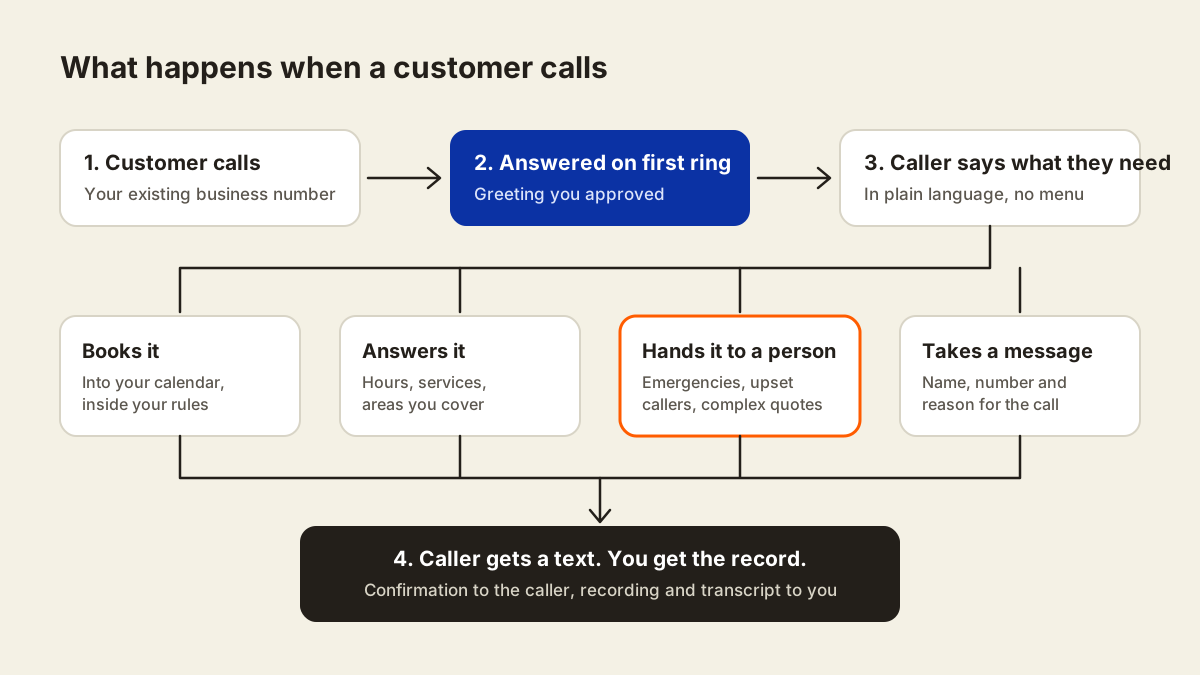
An AI receptionist picks up your business line, talks to the caller in plain language and finishes the call one of four ways: it books the appointment, answers the question, passes the call to a person, or takes a message. Nobody presses 1 for sales. The caller says what they want and gets an answer to that.
On a typical call it does this, in order:
- Answers on the first ring with a greeting you approved.
- Asks what the caller needs and listens to the answer.
- Answers common questions about your services, hours and the areas you cover.
- Books an appointment into the calendar you already use, inside the rules you set.
- Transfers to a person when the caller asks, or when your rules say so.
- Texts the caller a confirmation and sends you the recording and transcript.
How much does an AI receptionist cost in Toronto?
Published AI receptionist plans in Toronto and the GTA run from about $98 to $600 CAD a month. The low end is a self-serve plan with a fixed number of minutes. The high end is a managed service where someone builds it, connects your calendar and keeps it tuned.
These vendor-listed prices were checked on October 11, 2026. Each provider includes a different number of minutes and features, so compare the usage allowance before comparing monthly fees.
| Provider | Published starting price | Type |
|---|---|---|
| AlmaTalk | From $97.97 CAD a month, 150 minutes included | AI receptionist subscription |
| Polaris Voice | From $99 CAD a month, 150 minutes included | AI receptionist software |
| Social Dots, AI Reception | From $299 CAD a month, 100 voice minutes included | Managed, voice and booking |
| Oleg Litvin Digital Marketing | $400 to $600 CAD a month | Managed |
Social Dots also offers missed-call text-back from $99 CAD a month. It sends a text after a call goes unanswered; it is a separate service from live AI voice answering.
Five things move the price:
- Minutes. Most plans include a set number of answered minutes and charge for the rest.
- Booking. Writing appointments into your real calendar costs more than taking a message.
- Setup. Some providers charge a one-time setup fee. Ask before you compare monthly prices.
- Languages. Coverage beyond English is sometimes a higher tier.
- Who maintains it. Self-serve means you rewrite the answers when your hours or services change.
Our own pricing is scoped per business, and the scope and price are agreed before any work starts. See how our pricing works.
AI receptionist, answering service, voicemail or a hire?
Each option covers a different part of the problem. Most owners end up with a mix: staff on the desk during the day, and an AI receptionist on lunch, overflow and after hours.
| Option | When it answers | Books appointments | Best for |
|---|---|---|---|
| Voicemail | Never live | No | Nothing urgent; many callers hang up and try the next business |
| Live answering service | Any hour, from a script | Rarely | Message taking |
| Hired receptionist | One shift | Yes | An in-person front desk and conversations that need judgment |
| AI receptionist | Any hour, several calls at once | Yes | After hours, lunch and overflow |
Where does it fit in a GTA service business?
It fits wherever the person who would answer the phone is busy doing the work. The calls that matter most tend to arrive at exactly those moments.
- Trades and home services. A technician in the middle of a job in Mississauga cannot pick up when a homeowner's furnace stops on a January night. That caller usually keeps dialling until someone answers.
- Salons and barbershops. The person who would answer has their hands in someone's hair. The phone rings out and the caller books the next shop on the list.
- Dental offices and med spas. The front desk is checking someone in, on another line or closed for the evening. Booking requests arrive after hours, when nobody is there to take them.
- Multi-city service areas. A company covering Brampton, Vaughan, Markham, Oakville and Hamilton gets calls from people who need to know first whether you serve their area.
Callers in the GTA speak many languages. Ask any provider which ones the receptionist handles, and test the ones your customers use.
What should an AI receptionist not handle?
It should not handle anything where a wrong answer costs you a customer or puts someone at risk. Set that boundary before launch, not after the first bad call.
- Anything involving safety, such as a gas smell or active flooding, goes straight to a person's phone.
- Complicated quotes that need a site visit or your judgment.
- Complaints and upset callers.
- Medical, legal or financial advice.
- Any caller who asks for a person.
What should you ask a provider?
Ask these on the first call. A provider who cannot answer them plainly is telling you something.
- Which calendar does it book into, and can I set buffers, service types and hours?
- What happens when it does not know the answer?
- Can I keep my current business number?
- Who loads what it knows about my business, and who keeps that current?
- Which languages does it handle?
- Does it tell callers it is an automated assistant? We recommend that it does.
- How are recordings and transcripts stored, and who can see them?
- How does text-back handle consent under Canada's anti-spam law (CASL)?
- If I leave, what do I keep: the number, the call history, the scripts?
How do you test one before you rely on it?
Call it yourself, and have two or three staff call too, using situations that really happen in your business.
- Call after hours with an emergency.
- Ask a price question you would never quote over the phone.
- Reschedule an appointment, then cancel one.
- Call as someone outside your service area.
- Call in a language other than English.
- Call upset and ask for the owner.
- Listen to every recording and fix the wording where it sounds off.
Start by forwarding only after-hours calls. Widen the hours once the answers are right.
What does setup involve?
Most of the work is deciding how you want calls handled. Write down what your best receptionist would say in each situation above, and the setup follows from that.
- The services you offer and the areas you cover
- Your hours, holidays and booking rules
- Calendar access
- The numbers calls transfer to, and when
- The greeting and the text messages that go out
- Answers to the ten questions callers ask most
Our AI receptionist service is set up around those answers. If your main problem is calls that ring out while you work, missed call answering covers that part first.
How do you know it is working?
Compare it to your own numbers from before you switched it on. Count your missed calls for two weeks first. Your phone carrier's call log shows them. After launch, track the same things each week:
- Calls answered
- Appointments booked from calls
- Calls handed to a person
- Callers who asked for a person straight away
Connect each call to a lead record in your CRM so every caller has a next step and an owner.
Where to go from here
If you want to know what happens to a call you cannot answer today, start with the free 15-minute Growth Check-Up. You get a ranked list of what to fix first, in writing, whether or not you hire us.
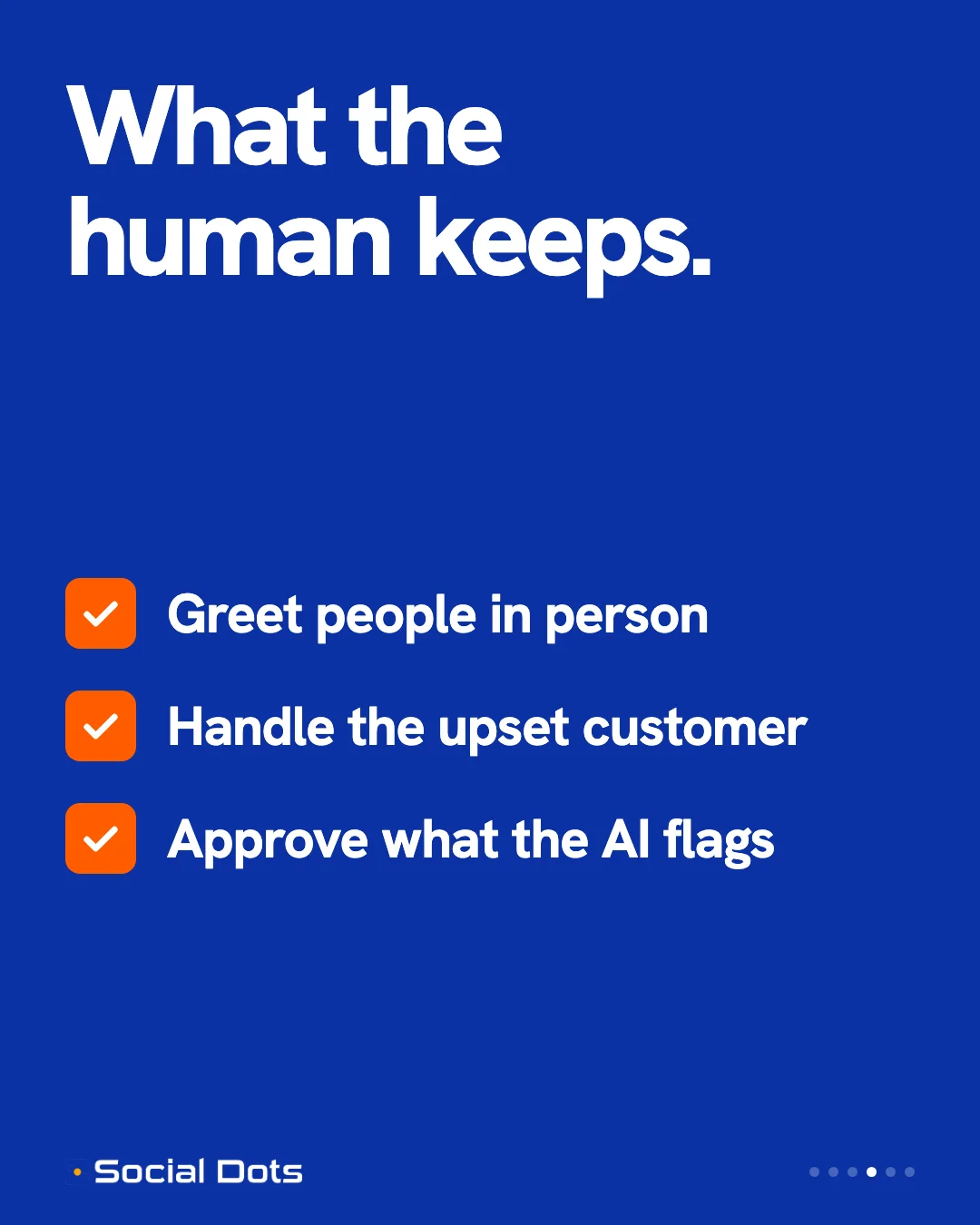
What AI can answer, and when a person should step in
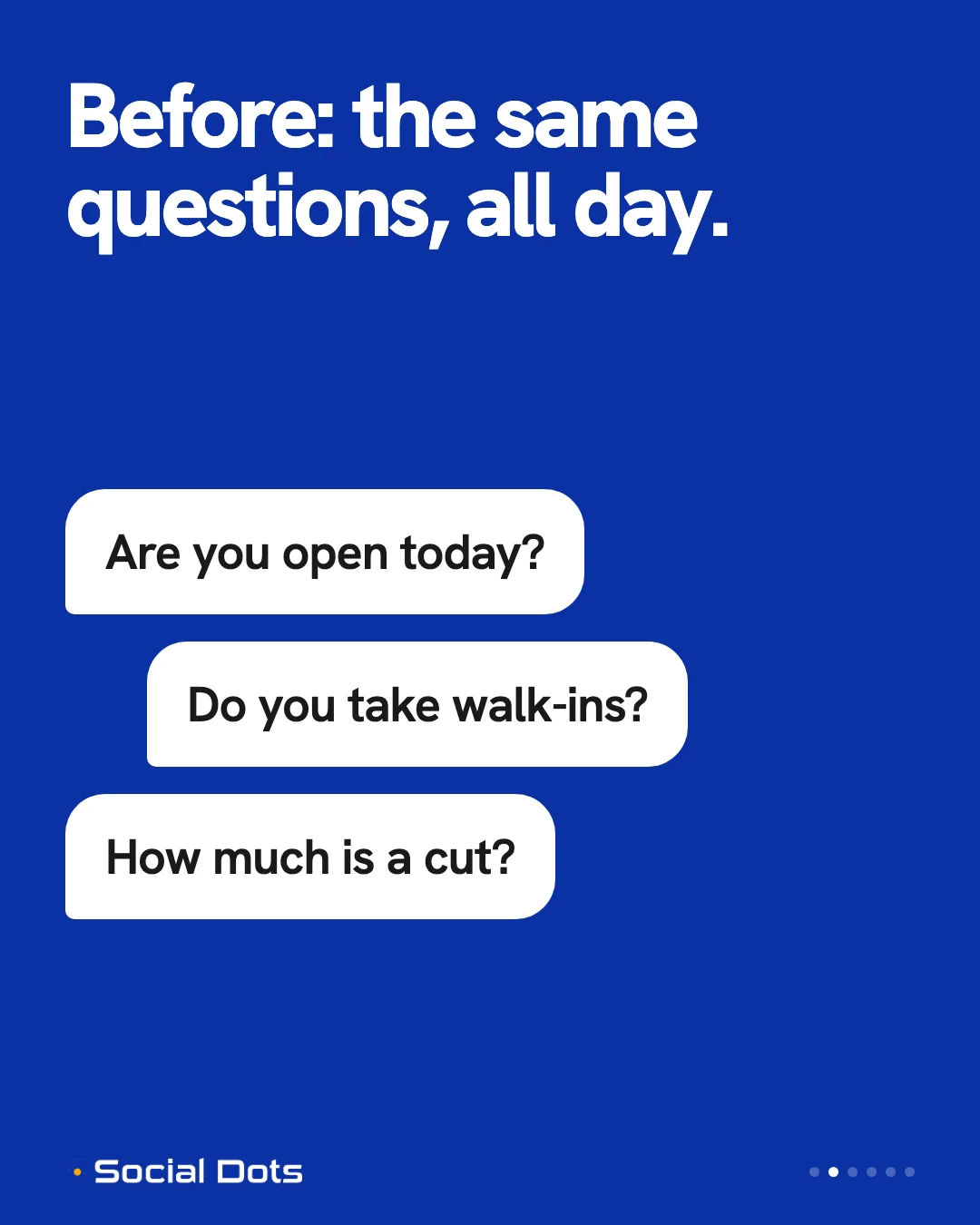
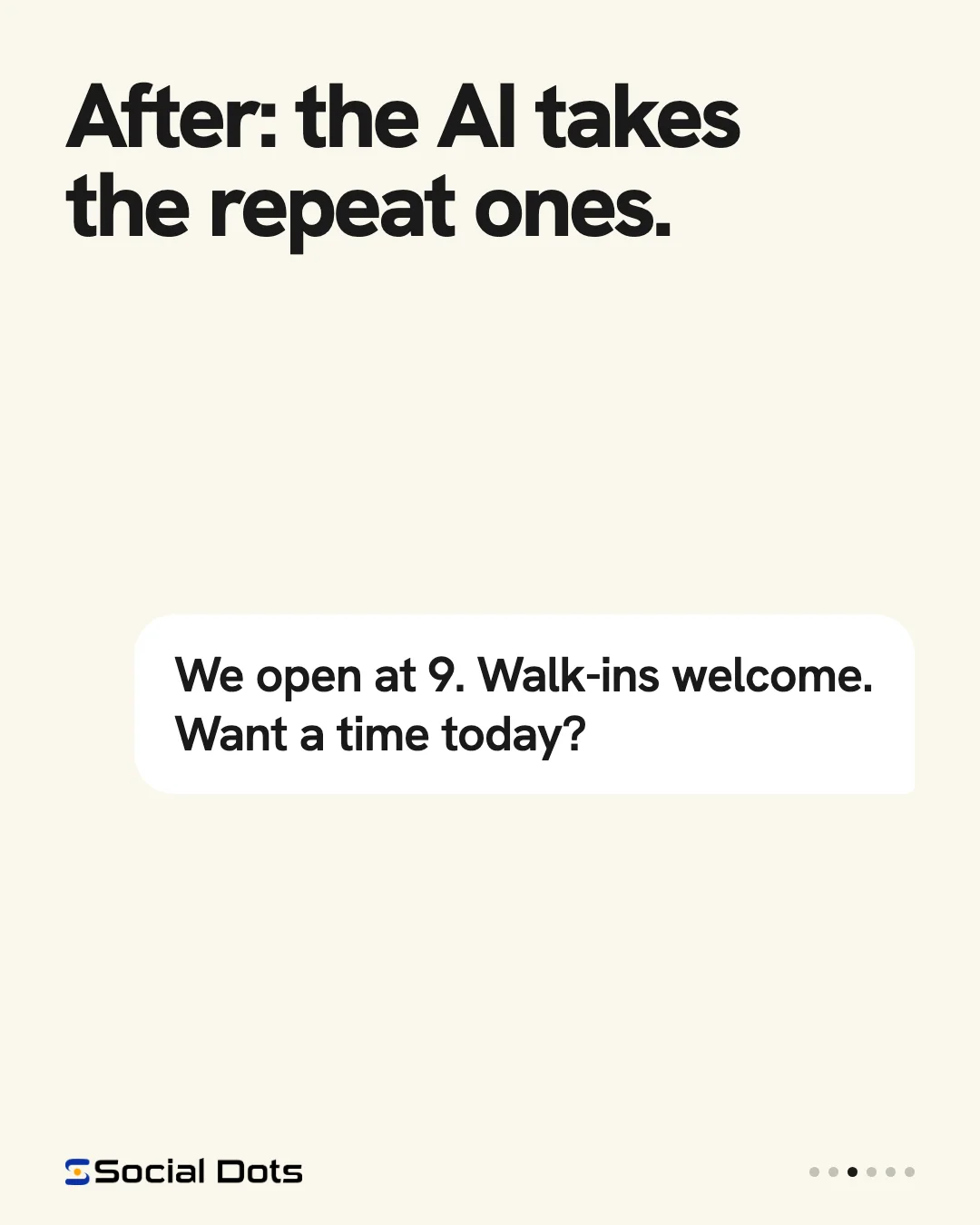
Three slides from a Social Dots explainer. They show an illustrative example of repeat questions moving to AI while the person at the desk keeps the moments that need judgment.
Frequently asked questions
How much does an AI receptionist cost for a small business in Toronto?
Published plans in Toronto and the GTA ran from about $98 to $600 CAD a month when we checked on October 11, 2026. Software plans sit at the low end and managed services at the high end. Social Dots' managed AI Reception starts from $299 CAD a month with 100 voice minutes included; missed-call text-back starts from $99 CAD a month.
Will callers mind talking to an AI receptionist?
Some will. Tell callers at the start that it is an automated assistant, keep the greeting short, and let them ask for a person at any point.
Does an AI receptionist replace a front desk?
Not an in-person one. It covers the phone when the desk is busy or closed, such as lunch, overflow and after hours.
Do I have to change my business phone number?
Usually not. Calls forward from your existing number. Confirm this with any provider before you sign.
What happens if the caller needs a real person?
The receptionist transfers the call to a number you choose. If nobody answers, it takes a full message and flags it for a callback.
Can an AI receptionist book appointments?
Yes, if it is connected to your calendar. It books inside the rules you set for hours, service types and buffers, and texts the caller a confirmation.
Sources

Ali Shafique
Founder, Social Dots
Ali sets up AI call answering, local SEO and ads for service businesses across Toronto and the GTA. About Ali
Ready to transform your business with AI?
Social Dots builds AI automation for Canadian small businesses. Let's discuss how to put the strategies in this article to work for you.
If you want this installed
AI receptionist
If the strategies in this post are what you want installed, we set up a managed AI receptionist that answers 24/7, qualifies the lead, and books into your calendar.
See AI receptionistKeep reading
Related articles
CRM Automation for Small Business: 5 Practical Benefits
Five ways CRM automation helps a GTA service business: one inbox for every enquiry, faster first replies, follow-up that runs itself, and clear reporting.
AI SEO for Local Service Businesses: Where It Helps
AI can speed up the routine parts of local SEO. It also makes it easy to publish thin pages that hurt you. Here is where to use it and where to stop.

AI Marketing Tools for GTA Service Businesses in 2026
Which AI marketing tools earn a place in a local service business, organized by the job each one does, plus how to judge any tool before you pay for it.